How to Mass Apply for Jobs on LinkedIn Without Tanking Your Response Rate
LinkedIn makes it very easy to apply for 50 jobs in one sitting.
It also makes it very easy to get 50 “We’ve decided to move forward with other candidates” emails and start questioning your entire personality. Fun.
Here’s the deal though: “mass applying” is not the problem. The problem is mass applying the same way to everything. If your approach is random, your response rate will be unpredictable. However, if you adopt a strategic and consistent method, you can apply to many jobs while maintaining a high reply rate. Targeted applications where you tailor your resume to the specific role significantly increase your chances of hearing back from employers.
This is a practical, no drama system for applying at volume on LinkedIn while staying selective enough to keep your response rate alive.
Get the free Job Search Playbook
Stop relying on crowded job boards. Get the free 7-day playbook with practical tools, outreach scripts, and a step-by-step plan to find better opportunities.
Key Takeaways
- The best way to mass apply for jobs on LinkedIn is to apply quickly within one clear role lane, not to blast the same resume everywhere.
- Create two or three targeted resume versions so you can move fast without starting from scratch for every application.
- Use LinkedIn Easy Apply selectively, with narrow filters and a manual review before submitting.
- Track your applications and outcomes so you can fix the part of the process that is actually underperforming.
- Choose an application pace you can sustain. Consistency beats one exhausting week followed by two weeks of avoidance.
What we mean by “response rate” (and what to aim for)
In this article, response rate = any positive signal, like:
- Recruiter message
- Request for a quick call
- Interview invite
- Email asking for availability
- Hiring manager reply to your message
- “We’d like to move you forward” type portal update
Not included: automated rejection emails. Those happen even when you’re a great fit.
There’s no single “right” response rate
Anyone who hands you one exact benchmark number is guessing. Results vary by role, industry, seniority, location, your qualifications, which channel you applied through, and what the market is doing that month.
The more useful move is to track your own numbers: how many applications turn into a recruiter screen, and how many of those turn into an interview, measured across a comparable batch of applications. That ratio, compared against your own history, tells you far more than a generic percentage ever could.
If you’re getting a 0% response rate after a solid batch of applications, that’s your signal to adjust something (targeting, resume, or both) rather than keep applying the same way.
For a directional reference point, Wellfound’s summary of Huntr’s research across more than a million job applications found roughly a 3% application-to-interview conversion rate on LinkedIn, with tailored resumes converting more than twice as often as generic ones. That’s one dataset, not a rule for your specific search, but it’s a useful reality check if your expectations were set by internet folklore instead of data.
Also, response rate swings wildly by industry, seniority, and the current job market. You’re not “behind.” The system is just… loud.
The biggest reason mass applying tanks your response rate
It’s not because recruiters can smell desperation through the screen.
It’s usually one of these:
- You’re applying to roles you can’t credibly “match” in 10 seconds
- Your resume is not aligned to the specific posting language
- You’re using Easy Apply like it is a lottery ticket
- You’re applying too late (after the first wave gets reviewed)
- Your LinkedIn profile contradicts your resume (dates, title, focus)
- You’re not getting past basic filters (location, work authorization, keywords)
So the goal is not “apply less.”
The goal is apply faster to the right roles with a resume that fits, and skip everything else with zero guilt.
The No Stress Adulting system: Apply in batches, not in chaos
This is the structure:
- Build a Role Template (your target title + skills + proof)
- Create 2 to 3 resume versions max (not 20)
- Use LinkedIn filters to create a daily shortlist
- Triage jobs in 60 seconds each
- Apply in focused sprints (and track outcomes)
- Add light outreach to boost odds without burning hours
You can do this in a low-energy way, too. I’ll include that option in each section.
Step 1: Pick one “apply lane” at a time (your Role Template)
Mass applying works when the jobs are similar enough that your story stays consistent.
So first, pick your lane:
- One target job title (or two close ones)
- One level (entry, junior, associate)
- One general function (marketing ops vs brand marketing are not the same thing)
Now build your Role Template. Open 5 job posts you actually want. Copy these into a doc:
- Top 10 recurring skills/tools (the exact words)
- Top 5 recurring responsibilities
- Any “must have” requirements that show up repeatedly
This becomes your keyword and proof checklist.
Step 2: Make 2 to 3 resume versions (and stop there)
You do not need a custom resume for every job. You need a small set of versions that map to your lanes.
A good setup:
- Version A: Your core lane (ex: Marketing Coordinator)
- Version B: Adjacent lane (ex: Social Media + Content)
- Version C (optional): A specific tool-heavy lane (ex: CRM/HubSpot/RevOps-ish)
Each version should have:
- A headline that matches the role lane
- Bullet points with measurable outcomes
- Keywords that match the Role Template language
Quick resume alignment rule (the 10-second test)
If a recruiter skims your resume for 10 seconds, can they immediately see:
- You’ve done similar work (or a close substitute)
- You’ve used at least some of the tools
- You have proof (numbers, output, scope)
If not, your response rate is going to be quiet.
Tiny but important: job title clarity
If your past role title is vague (ex: “Associate”), keep the official title and add a truthful functional descriptor in parentheses so a recruiter can place it in 2 seconds:
- “Associate” becomes “Associate (Customer Support, SaaS)” in your first bullet
- “Project Support” becomes “Project Support (Internship)” if that’s what it was
You are not inflating the title. You are clarifying it, because titles are messy and companies love being creative for no reason.
Address on Resume: A Modern Take
In today’s digital age, should you include your address on your resume? Probably not. Most US resumes shouldn’t list a street address. Instead, use city + state – plus the few exceptions like relocation, onsite roles, time zone considerations or required forms.
Step 3: Fix LinkedIn profile basics (because recruiters click)
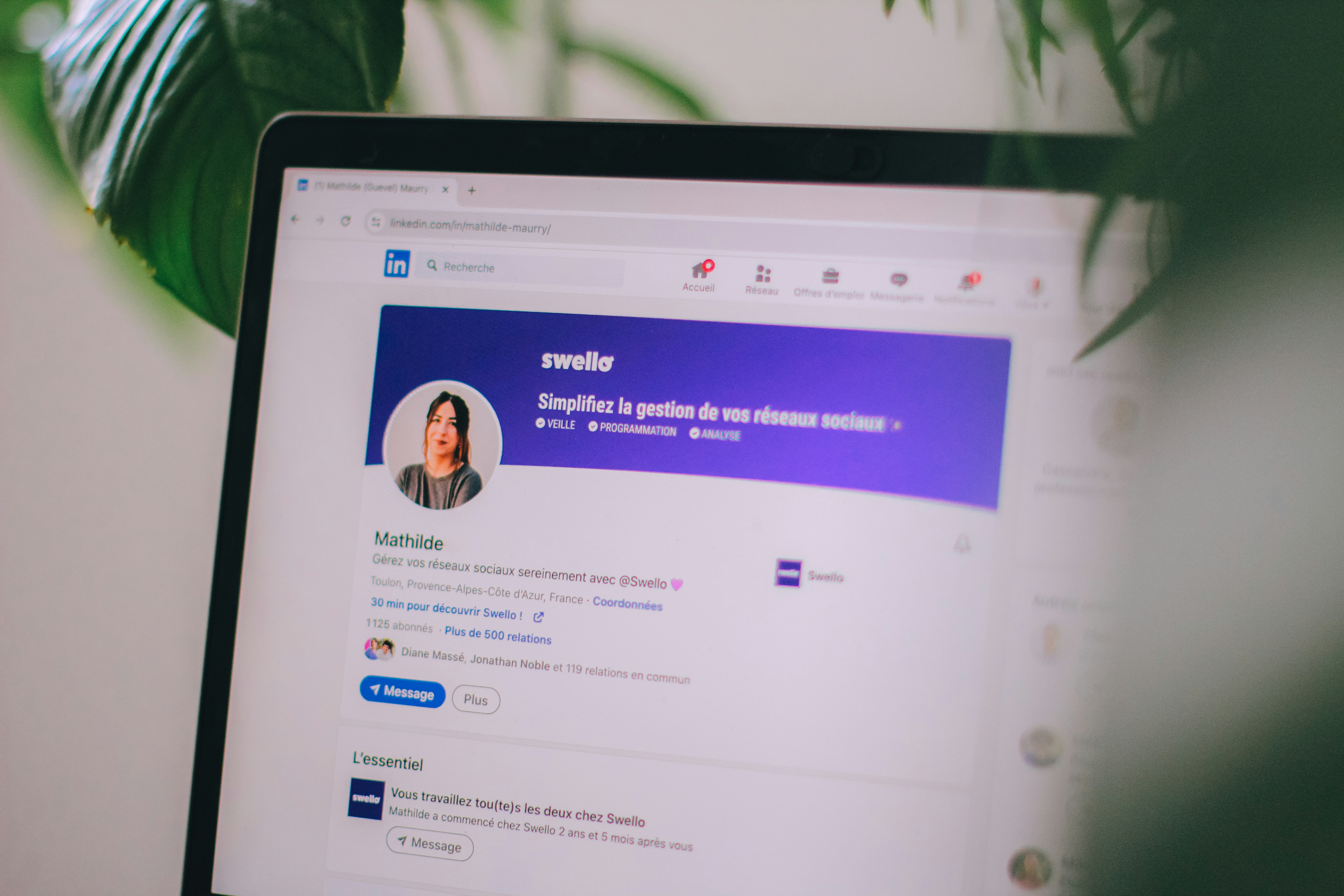
If your resume is decent and your profile is a ghost town, that can still hurt you. Recruiters use LinkedIn to sanity check.
Do this minimum setup:
- Headline: Target role + niche + 1 proof point
- Example: “Entry-Level Data Analyst | SQL + Tableau | Built dashboards for student org + internship projects”
- About section: 4 to 6 lines, plain language, what roles you want, what you’ve done, what you’re good at
- Experience: Match dates and titles to your resume
- Skills: Add a focused list of relevant skills that genuinely reflect
Step 4: Build a LinkedIn job search that favors speed and fit
Your objective is: see fresh, relevant jobs first.
Use filters like:
- Date posted: Past 24 hours (or Past week if your niche is smaller)
- Experience level: Entry level / Associate / Mid (pick what matches)
- Job type: Full-time (or whatever you need)
- On-site/Hybrid/Remote: pick what you can actually do
- Location: do not fight the location filter if you cannot relocate
- Company: sometimes excluding staffing agencies helps, sometimes it hurts. Test it.
Also: save your searches and set up job alerts so new postings land in front of you fast. Fresh postings are worth prioritizing because some employers start reviewing candidates before the listing even closes. That said, don’t automatically skip an older listing if it’s still open and you’re a strong match. Filters like “past 24 hours” or “past week” are a practical preference for staying near the front of the line, not a scientifically proven cutoff.
Step 5: The 60-second triage (this is how you apply fast without applying dumb)
Open a posting and decide quickly whether it deserves an application. Use a simple traffic-light system.
|
Decision |
Use it when |
Next move |
|---|---|---|
|
Green light |
You meet the core responsibilities and the genuinely essential requirements. |
Apply with the closest resume version. |
|
Yellow light |
You have strong adjacent evidence, but some requirements are a stretch. |
Apply only when the process is quick or the role is especially relevant. |
|
Red light |
You miss a non-negotiable requirement or cannot show relevant evidence. |
Skip it and protect your time. |
Common red lights include work authorization you do not have, a required location you cannot reach, specialist experience that is clearly above your level, or a role where you cannot point to any relevant proof.
The “applicant count” myth, quickly
Don’t treat LinkedIn’s applicant count as the exact number of qualified candidates you’re competing with. What that number reflects can differ depending on whether people applied through Easy Apply or an external employer site. If the role is still open and you’re a strong match, don’t let the number alone talk you out of applying. That said, if you see “1,800 applicants” on an Easy Apply post from two weeks ago, it’s fair to prioritize a fresher listing instead. That’s not quitting. That’s time management.
Step 6: Easy Apply is fine, but treat it like fast food
Easy Apply is not evil. It is just crowded.
Use it when:
- Your resume is a strong match
- The role was posted recently
- You can attach a tailored resume version (A/B/C)
- The application is truly quick (no weird forms inside)
Avoid Easy Apply when:
- The role is a stretch and you need context
- The company site asks for extra screening questions (then it is not really “easy” anyway)
- You really want this job and you want your application to stand out
In those cases, apply on the company site if it is reasonable, then use LinkedIn for outreach.
Step 7: Add lightweight outreach to boost response rate (without turning into a networking robot)
You do not need to “network” for 3 hours a day.
You need 10 minutes of smart outreach after your application sprint.
Quick expectation check first: a message like this is not the same thing as a referral. A formal employee referral (someone submitting your name through their company’s referral system) carries real weight. Ashby’s recruiting benchmark data found referred candidates pass initial screens at notably higher rates than the overall applicant pool, and that advantage holds through later stages too. A warm introduction (someone you know connecting you to someone at the company) is a tier below that but still valuable. A cold message to a recruiter or team member you’ve never spoken to, which is what the options below are, is another tier down again. Thoughtful outreach can give you context, useful information, or occasionally a connection inside the company, but it does not guarantee your application gets reviewed. Send it because it genuinely helps, not because you think it works like a referral.
Pick one of these options.
Option A: Message the recruiter (best when listed)
If the job post shows a recruiter, message them:
Script: recruiter message
Hi [Name], I just applied for the [Role] role. Quick context: I’ve done [1 relevant thing] and recently [1 proof/result]. If helpful, I’m happy to share a one-page overview of a similar project. Either way, excited about [company/team] because [specific reason]. Thanks.
Keep it short. You are not asking them to be your therapist. You are making it easier to say yes to a screen.
Option B: Message a team member (when no recruiter is listed)
Search the company + title like “Marketing Manager” or “Data Analyst.” Pick someone 1 to 2 levels above the role, not the VP.
Script: team member message
Hi [Name], I applied for the [Role] opening and noticed you work on [team]. I’m early career but have experience with [relevant skill/tool], and I’m especially interested in [specific part of the role]. If you have any advice on what the team values most in applicants, I’d appreciate it. No pressure.
This is not “please refer me.” It is “help me aim correctly.” People answer this more than you’d expect.
Additional Resources
Want a more strategic job-search plan? Download the free Escape the Job Board Treadmill Playbook and learn how to get found, reach the right people, and uncover opportunities beyond job boards.
Option C: Skip direct outreach for now (the ultra low-energy option)
If messaging stresses you out, that’s fine, just apply. If you want a lower-pressure way to stay on a company’s radar, follow the company and engage with their posts only when you genuinely have something to add. Treat that as long-term relationship building, not a trick for getting your application noticed, because it isn’t one.
Step 8: Apply in focused sprints and track what happens
Without a system, every week can feel like: “I applied to loads of jobs, refreshed my inbox, and still have no idea what to do next.”
For each role, track:
- Company and role
- Current stage
- Next move and deadline
- Application, outreach, reply, and interview dates
- Useful notes
The Get Hired Fast Tracker automatically shows how long it has been since your last contact, flags overdue follow-ups, and prioritizes the applications that need attention first.
Once a week, review your active applications, replies, interviews, overdue follow-ups, and conversion rates.
The goal is not to judge yourself. It is to spot what needs improving. Lots of applications but few replies may mean your resume or targeting needs work. Interviews but no offers may mean it is time to sharpen your interview skills.
Apply in focused batches, keep the tracker updated, and use the data to improve your next sprint.
What to adjust based on data
After 3 to 4 weeks or 30 to 50 applications (whichever comes first):
- If 0 screens, your resume alignment is probably off or you are applying to roles outside your lane.
- If you get recruiter screens but no next-round interviews, tighten your interview story and examples.
- If you get interviews but no offers, we work on interview performance and role targeting.
Different problem, different fix.
Step 9: A realistic weekly plan (that still counts as “mass applying”)
Here are three levels, pick based on your bandwidth.
Sustainable baseline
- 10 to 20 focused applications per week
- 10 to 15 outreach messages per week
- 2 hours resume and tracking total
Higher-volume plan (only when it fits)
- 20 to 40 applications per week, only when the roles are highly similar and you can keep the quality up
- 15 to 25 outreach messages per week
- 3 hours resume and tracking total
Only bump up your volume when the roles you’re applying to sit in one consistent lane, you’re using the right resume version for each one, you’re actually reading the screening questions instead of speed-clicking through them, and your application quality isn’t slipping. The Huntr dataset is a useful directional signal here too: tailored, targeted applications consistently outperformed generic, high-volume ones. If you are already anxious and exhausted, please do not pick the higher-volume plan because you read somewhere that “numbers win.” Numbers win when the system is sustainable. Otherwise you burn out and disappear for two weeks, which is… not ideal.
Common questions (because LinkedIn job search is a whole personality now)
“Should I apply even if I do not meet every requirement?”
Yes, most job descriptions are wish lists, not strict checklists. Apply when you can perform the core responsibilities, meet the genuine non-negotiables, and can point to relevant or transferable evidence. Treat preferred qualifications more flexibly than required licenses, work authorization, location requirements, or essential technical skills.
You may have heard the claim that men apply once they hit 60% of a job’s requirements while women wait until they hit 100%. That stat gets repeated constantly, but it is frequently overstated and isn’t a reliable rule for anyone’s job search (the original Harvard Business Review piece is worth a read if you want the nuance). Skip the math and use the criteria above instead.
“Does applying early actually matter?”
Usually, yes. Not always. But often enough that it is worth prioritizing roles posted in the last 24 to 72 hours.
“Is it bad to apply to multiple roles at the same company?”
Two is fine if they are genuinely similar and your resume supports both. Ten roles across totally different teams reads like “I would like any job, thank you.” Which is honest. But not helpful.
“What if I have gaps or a non-linear background?”
Then your job is clarity. Use your resume bullets and LinkedIn headline to explain what you are actually aiming for now, and why your past experience is relevant. You are not behind. You are just switching tracks, and the map is not labeled.
A quick wrap up (the part you can screenshot)
If you want to mass apply on LinkedIn without tanking your response rate:
- Pick one lane and build a Role Template from real postings
- Create 2 to 3 resume versions, not infinite customs
- Filter for fresh jobs and triage each post in 60 seconds
- Use Easy Apply strategically, not automatically
- Add 10 minutes of lightweight outreach after applying
- Track outcomes so you can adjust instead of guessing
Mass applying is not you yelling into the void.
It is you running a repeatable system that gives you more chances, faster. And honestly, if the job market wants to be chaotic, you’re allowed to be organized about it.
FAQs (Frequently Asked Questions)
What is the main issue with mass applying to jobs on LinkedIn?
The main issue isn’t mass applying itself, but mass applying the same way to every job. A random, untargeted approach leads to a random response rate, whereas a targeted and repeatable approach can yield better replies even when applying at volume.
How is ‘response rate’ defined in the context of job applications?
Response rate refers to any positive signal from recruiters or hiring managers, such as messages, interview invites, requests for calls, or updates indicating progress. Automated rejection emails are not counted as positive responses.
What is a realistic response rate target for early-career candidates applying cold on LinkedIn?
There isn’t one universal number. Response rates vary by role, industry, seniority, location, your qualifications, and the channel you applied through, so the most useful benchmark is your own application-to-screen and application-to-interview ratio across a comparable batch of applications. As a directional reference, Wellfound’s summary of Huntr’s research across 500,000-plus applications found roughly a 3% application-to-interview conversion rate on LinkedIn, with tailored resumes converting more than twice as often. A 0% response rate after a solid batch of applications is your signal to adjust your approach.
What are common reasons why mass applying reduces your response rate?
Common reasons include applying to roles you don’t credibly match quickly, resumes not aligned with job posting language, treating Easy Apply like a lottery ticket, applying too late after initial reviews, LinkedIn profile inconsistencies with your resume, and failing basic filters like location or keywords.
What system does No Stress Adulting recommend for effective mass applying on LinkedIn?
They recommend applying in structured batches rather than chaos: build a Role Template targeting specific titles and skills; create 2-3 tailored resume versions; use LinkedIn filters to shortlist daily jobs; triage jobs quickly; apply in focused sprints while tracking outcomes; and add light outreach to boost odds without excessive time investment.
How many resume versions should I create for my job applications according to this system?
You should create 2 to 3 resume versions max: one core version for your main target role lane, one adjacent lane version (e.g., related functions), and an optional third version focused on specific tools or specialties. Each should align with your Role Template and pass the ’10-second test’ showing relevant experience and keywords.
Get the free Job Search Playbook
Stop relying on crowded job boards. Get the free 7-day playbook with practical tools, outreach scripts, and a step-by-step plan to find better opportunities.