
Home Management for Beginners: A Simple Weekly System That Actually Sticks

Key takeaways (read this first)
- Home management is just household administration broken into small, repeatable actions.
- A weekly system sticks when it is built around your real energy and time, not your fantasy self who meal-preps in matching glass containers.
- You only need 5 “home management zones” plus 2 short weekly resets to keep life from piling up in weird little doom piles.
- Use a single “Home HQ” list (one place) to reduce decision fatigue and stop tasks from disappearing into the void.
- Start small: run the system at 70 percent for 2 weeks before adding anything new.
What “home management” actually means (and why it feels so hard at first)
Let’s translate “home management” into normal-person language. It is not a personality trait. Not a moral virtue. Not a special gene your “organized friend” was born with.
Home management is the stuff that keeps your home running:
- routines (trash day, laundry, dishes)
- supplies (toilet paper, detergent, light bulbs)
- cleaning (the basics, not the “baseboards with a toothbrush” vibe)
- food (groceries, leftovers, meal planning-ish)
- household paperwork (bills, mail, forms, maintenance requests)
And if you’re struggling with it, it is probably not because you are lazy or “bad at adulting.”
It’s because home management is full of invisible tasks and constant decisions.
Free Life Admin Cheat Sheet: 50 Things to Remember (and When to Deal With Them)
Weekly. Monthly. Every 3–6 months. Yearly. Set it up once. The boring-but-important stuff is already organized for you. Includes a printable PDF + ready-to-use Notion checklist.
Nobody sees you noticing you are low on dish soap. Nobody applauds you for remembering trash day. And yet if you don’t do those things, your life starts to feel like it is being run by a chaotic bag of receipts and a bag of spinach that has become a science experiment.
There’s also overlap that no one explains:
- Household management (operations): chores, cleaning, food, routines, supplies.
- Household administration (admin): bills, records, appointments, maintenance, renewals, mail.
Both matter. Both are annoying. Both can be made easier with the same simple system.
Beginner expectations, because we are not doing the “perfect home” thing here: The goal is stability and small wins, not a spotless house. You are building a simple operating system for the week, not doing a weekend cleaning marathon that destroys your will to live.
The beginner rule that makes systems stick: one list, one calendar, one reset
This is the “no setup spiral” version.
One list: your “Home HQ”
Pick one place where home tasks live. One.
Options:
- Notes app (Apple Notes, Google Keep, Notion if you promise not to turn it into a design project)
- A paper notebook
- A single pinned checklist
Everything goes into Home HQ. If it is not there, it basically does not exist.
One calendar
Your calendar is where time-sensitive home stuff goes:
- appointments
- deliveries
- trash and recycling day
- due dates (rent, utilities, subscriptions)
- “someone is coming to fix the thing” windows
Use your phone calendar. Keep it boring. Boring is reliable.
One reset rhythm (with two versions)
You will do:
- a short midweek reset
- a longer weekend reset
Why this helps your brain:
- fewer places to check
- fewer decisions
- fewer forgotten tasks
- less “background stress” from open loops
Common trap to avoid: using 5 apps and 12 categories before you even have the habit. That is not a system. That is a hobby.
The 5-zone home management framework (simple on purpose)
The reason home management feels overwhelming is that “clean the house” is not one task. It is 47 tasks disguised in a trench coat.
Zones fix the “where do I start?” problem.
Here are your 5 zones:
- Kitchen
- Laundry
- Floors and Surfaces
- Bathrooms
- Admin and Supplies
Your beginner “minimum standard” for each zone (what “done” looks like)

These are intentionally small. You are going for functional, not magazine-ready.
Kitchen
- Clear the sink and counters: Remove dishes, food scraps, and any clutter that accumulates during daily use.
- Wipe surfaces: Use a damp cloth or appropriate cleaner to sanitize counters, stovetops, and backsplash areas, preventing sticky buildup.
- Run or empty the dishwasher: Load dirty dishes if you have a full load; otherwise, unload clean dishes promptly to keep the kitchen functional and organized.
Laundry
- Gather dirty laundry: Collect clothes from hampers or common areas to avoid scattered piles.
- Start a load if needed: Check the washing machine and start a cycle based on laundry volume and schedule.
- Put away clean clothes: Fold or hang garments immediately after drying to prevent wrinkles and maintain tidiness.
Floors and Surfaces
- Quick sweep or vacuum high-traffic areas: Focus on entryways, hallways, and living spaces where dirt and debris accumulate most quickly. This keeps visible mess at bay without requiring a full deep clean every day.
Bathrooms
- Wipe sink, counter, and toilet: Use disinfectant wipes or sprays for quick sanitation, targeting spots prone to germs.
- Replace towels if needed: Swap out damp or used towels with fresh ones to maintain hygiene and comfort.
Admin and Supplies
- Check for bills, mail, and low supplies: Review your incoming paperwork for due dates or important notices.
- Add to your Home HQ if action is needed: Log tasks like paying bills, scheduling appointments, or restocking essentials into your central home management system for follow-up.
The two resets that prevent chaos (midweek + weekend)
Resets are your anti-backlog insurance policy. They keep little problems from becoming “why is my entire life in this chair?” problems.
Midweek Reset (30 minutes)
Do this once per week, usually midweek. Set a timer. Move fast. No reinventing the wheel.
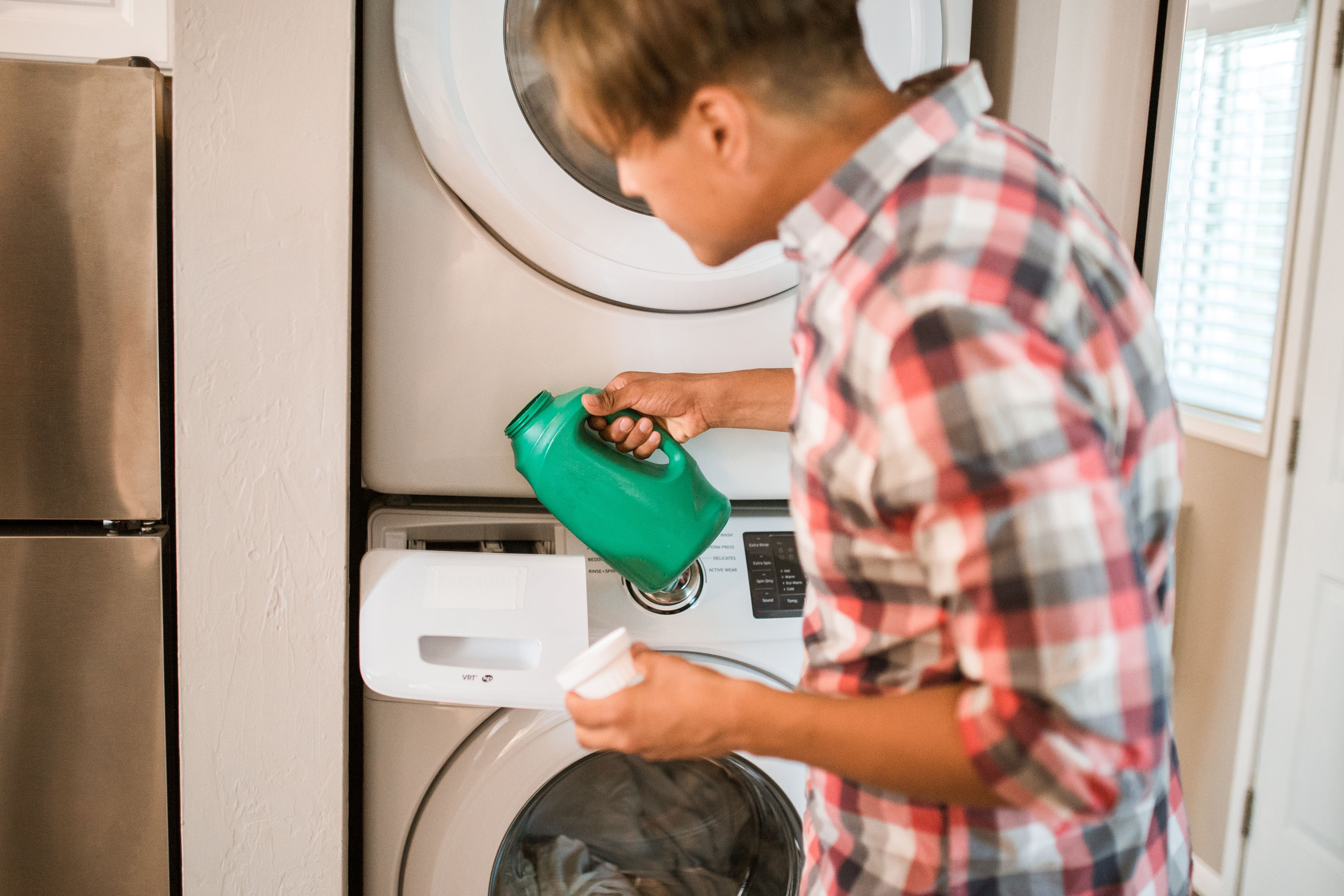
Midweek Reset checklist:
- Start or move laundry (5 minutes)
- Clear dishes or run dishwasher (5–10 minutes)
- Quick bathroom touch (wipe sink, toilet swish if needed) (5 minutes)
- Scan calendar for the next 7 days (5 minutes)
- Pay or schedule anything urgent (5 minutes)
This is not “cleaning.” This is closing open loops so your brain stops running background tabs like an overheated laptop.
Weekend Reset (60 to 90 minutes)
This is the “set up Future You” block.
Weekend Reset checklist:
- Trash and recycling out
- Linens (bed sheets, towels if needed)
- Floors (main areas)
- Fridge check (toss expired, note what you need)
- Plan a few meals (keep it minimal)
- Top up supplies (toilet paper, detergent, soap)
- Handle the admin pile (mail, receipts, forms, maintenance requests)
Beginner tip: start with obvious wins.
- trash
- dishes
- laundry
- then do admin last, because admin is where time goes to take a long, mysterious walk.
Minimum viable reset (for bad weeks)
If your week is a dumpster fire, do 20 minutes and call it a win:
- trash out
- dishes cleared, or dishwasher started
- laundry started
- calendar scan
That is enough to stop the chaos from compounding. Good enough counts.
Household administration made simple (bills, paperwork, appointments)
Admin is the part of adult life that feels like it was designed by someone who loves forms.
What counts as household administration?
- rent and utilities
- subscriptions
- insurance
- maintenance requests and repairs
- warranties and manuals
- important documents
- appointments (dentist, vet, car, anything with a reminder card you will lose)
The “Admin Wednesday” (or Friday) block
Pick one day. Same time every week. 20 to 30 minutes.
What you do in that block:
- sort mail (trash, file, action)
- pay what needs paying or schedule it
- book appointments you keep delaying
- submit maintenance requests
- update your calendar with due dates and delivery windows
Shame-free note: missed bills happen. Lost mail happens. “Wait, that was due when?” happens. This block is designed to catch it next cycle so you do not have to carry it in your brain 24/7.
Basic digital setup (5 minutes)
Create one cloud folder called Home. Inside it, make:
- Bills
- Lease (or Housing)
- Insurance
- Medical
- Car (if relevant)
- Receipts
Do not over-organize. You can always search later. The win is “one place,” not “perfect filing system.”
Automation (only the boring stuff)
- Autopay stable bills (rent, insurance, internet) if you can
- Reminders for variable bills (electric, credit card)
- Calendar renewals (annual subscriptions, car registration)
Supplies and groceries without overthinking it (a tiny inventory system)
The goal is not to become a pantry influencer. The goal is to stop doing emergency runs for toilet paper like it is an extreme sport.
Use a “running list”
In your Home HQ, keep:
- one Grocery list
- one Household supplies list
Rule: when you notice something is low, you add it immediately. Not “later.” Later is a liar.
Beginner staples (keep it minimal)
Kitchen basics:
- rice or pasta
- a couple proteins you actually eat
- frozen vegetables
- eggs
- bread or tortillas
- oil, salt, pepper
- one or two sauces you like
Cleaning basics:
- all-purpose cleaner
- dish soap
- sponges
- trash bags
- toilet cleaner (or a multipurpose that works)
- laundry detergent
Tie it to the weekend reset
During the Weekend Reset, do a 5-minute supply scan:
- what are you low on?
- what did you run out of last week?
- what would make next week easier?
Optional upgrade: subscribe-and-save only after you have 2 weeks of consistent use. Otherwise you will auto-ship 48 rolls of paper towels to your home like a cautionary tale.
How to make the system stick when life gets messy
If you want this to actually work, you need two things:
- a minimum version you can do even when tired
- proof to your brain that the system helps
Run the minimum standard for 2 weeks
Do not expand it yet. No new tasks, no extra zones, no “plus I reorganized the closet.”
Just:
- daily close
- zone of the day
- midweek reset
- weekend reset
At 70 percent effort. You are building consistency, not auditioning for a cleaning montage.
Use timers and short sprints
- 10 minutes max for the daily close
- 20–30 minutes for zone blocks
- 30 minutes for midweek reset
- 60–90 minutes for weekend reset
Timers turn “this will take forever” into “I can survive 20 minutes.”
Track small wins (without becoming a perfectionist about it)
Checkboxes work. A simple streak works. A gold star works if that speaks to your inner third grader.
Just do not turn tracking into a second job.
If you live with roommates or a partner: assign zones
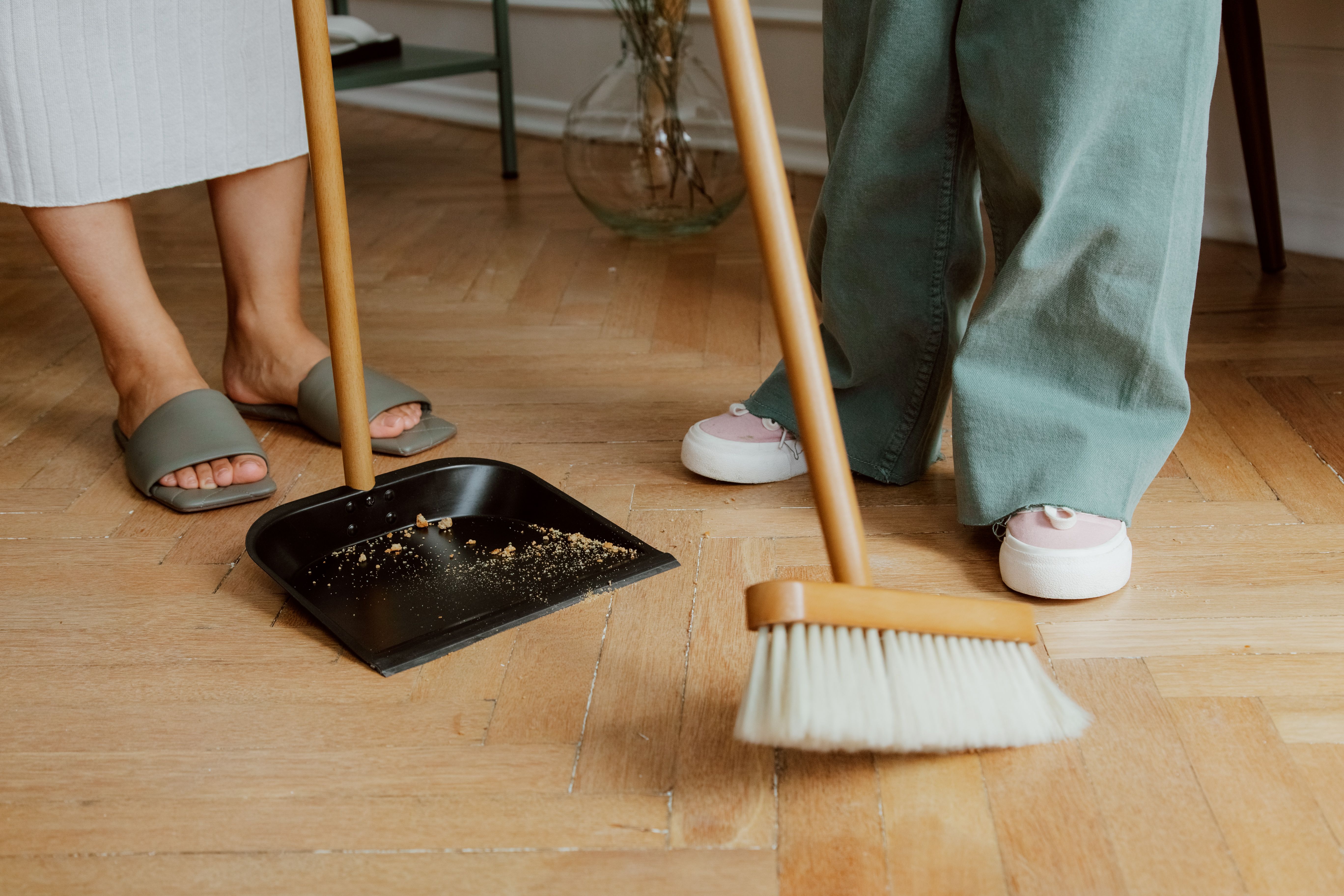
Zone ownership beats vague resentment. Try saying, “You own bathrooms, I own kitchen,” or “We rotate floors weekly,” or “Admin is mine, you do laundry.” Saying “Help more” is not a task; it is a future argument.
Reduce friction
Put supplies where you use them:
- bathroom wipes under the sink
- a small trash bag stash where you take trash out
- laundry basket where clothes actually drop (not where you wish they dropped)
Make the right thing the easy thing.
Your 15-minute setup (do this today, not someday)
You do not need a full Saturday to start. You need 15 minutes and a mildly brave attitude.
Step 1: Choose your Home HQ
Pick your spot (notes app or notebook) and create 3 sections:
- Daily Close
- Weekly Plan
- Admin
That’s it. Keep it plain.
Step 2: Put the weekly reset on your calendar (recurring)
Add:
- Midweek Reset (30 min) on a weekday that usually works
- Weekend Reset (60–90 min) on a day and time you can repeat
Treat these like appointments with Future You, who is frankly tired of your chaos.
Step 3: Write your minimum standards for the 5 zones
One sentence each. Use the ones above if you want. No extra credit for creativity.
Step 4: Start with the Daily Close tonight
Even if nothing else is perfect. Especially if nothing else is perfect.
Do 10 minutes.
- dishes contained
- trash checked
- quick tidy
- reset one surface
Then stop.
Because this system is meant to reduce uncertainty and decision load, not add pressure. You are not “behind.” You are just building the adulting manual you should have gotten in the first place. Remember, it’s all about forming habits which can be applied to various aspects of life, including managing daily tasks and responsibilities.
FAQs (Frequently Asked Questions)
What is home management and why does it feel overwhelming?
Home management refers to the routine tasks that keep your household running smoothly, including chores, supplies, cleaning, food management, and paperwork. It often feels overwhelming because it involves many invisible tasks and constant decisions that go unnoticed but are essential for a stable home environment.
How can I create a home management system that actually sticks?
Build a weekly system based on your real energy and available time, not an idealized version of yourself. Start small by running your system at 70% capacity for two weeks before adding more tasks. Use one list (your Home HQ), one calendar for time-sensitive events, and establish a regular reset rhythm to reduce decision fatigue and keep tasks from piling up.
What are the five home management zones I should focus on?
The five home management zones to simplify your tasks are: 1) Kitchen, 2) Laundry, 3) Floors and Surfaces, 4) Bathrooms, and 5) Admin and Supplies. Each zone has a beginner ‘minimum standard’ to maintain functional cleanliness without striving for perfection.
What does the ‘Home HQ’ list mean and why is it important?
Your Home HQ is a single centralized list where all home-related tasks live—whether in a notes app, paper notebook, or pinned checklist. Having one place for all tasks reduces decision fatigue, prevents forgetting chores or admin duties, and ensures nothing disappears into the void.
How do I manage time-sensitive home tasks effectively?
Use one calendar—preferably your phone calendar—to track all time-sensitive home activities such as appointments, deliveries, trash days, bill due dates, and maintenance windows. Keeping this calendar simple and boring makes it reliable and easy to maintain.
What is the recommended weekly rhythm for managing my home efficiently?
Adopt a simple weekly rhythm consisting of a daily 10-minute close to tidy up small tasks, a 30-minute midweek reset to handle ongoing chores and admin duties, and a longer 60-to-90-minute weekend reset for deeper maintenance. This approach promotes consistency without overwhelming you with marathon cleaning sessions.